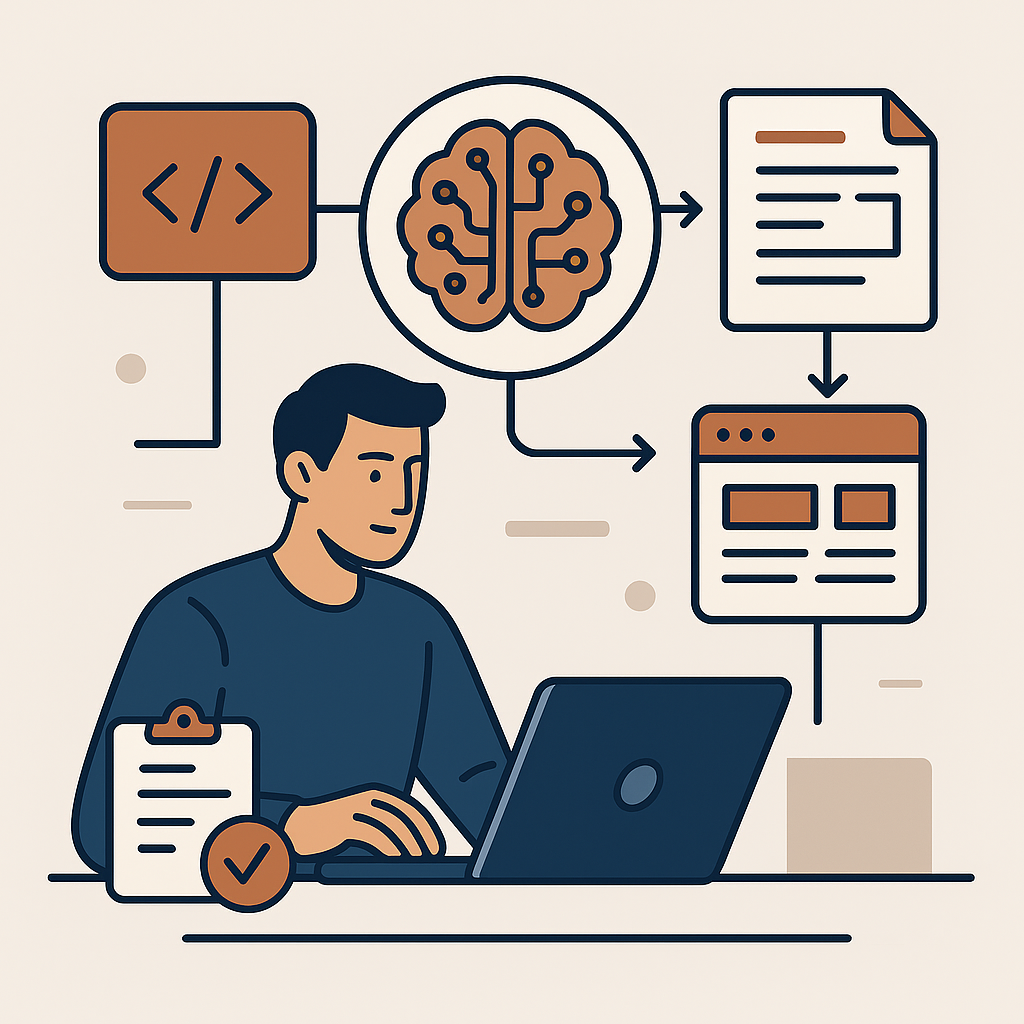
You've seen it before. The backend API is polished, the database schema is solid, but the frontend keeps slipping. Every sprint, the story points balloon, dependencies multiply, and the UI review cycle becomes a black hole. I've been there, and I found a way out: deliberately layering AI engines into the frontend delivery pipeline — without sacrificing maintainability or team morale.
Over the last 18 months, I've led teams that slashed frontend delivery time by 50% using AI engines. Not by blindly asking ChatGPT to write entire pages, but by strategically offloading specific, high-friction tasks. Here's the exact playbook I use.
Automating Component Generation with GPT-4 and Codex
The heaviest lift in most frontend work is component creation — props, state, event handlers, edge cases. Instead of writing every line from scratch, I feed a pattern: a design spec, a backend endpoint contract, or a user story. The AI engine generates the component skeleton, complete with TypeScript types, accessibility attributes, and basic tests.
For example, when building a data table widget, I gave the engine a sample API response shape and wrote one prompt:
"Generate a React component that renders a sortable table from this JSON array. Use TypeScript, include column visibility toggles, and handle empty states. Provide unit tests with Jest and React Testing Library."
The output was 80% complete. My team spent the remaining 20% on business logic and polish. That single task went from 4 hours to 90 minutes. The key? Don't expect perfection. Treat the AI as a senior intern who writes fast but needs review. The time saved is in the drafts, not the final commit.
The Real Time-Saver: AI-Driven Test Generation
Tests are often skipped or rushed because they're tedious. But they're also where AI shines. I use dedicated engines like Sonar or GitHub Copilot's test generation to auto-create unit tests for every component and hook. The trick: train your prompts with your team's conventions.
I maintain a simple prompt template:
"Write tests for this component covering: happy path, error state, loading state, missing props, and user interaction. Use [testing library] and follow our company's style guide: [link to style guide]. Assure no console errors."
This cut test writing time by 70%. More importantly, it increased coverage from 45% to 92% in two sprints — because developers were no longer dreading the work. The AI handled the volume; humans handled the nuanced edge cases.
From Figma to React: AI-Powered Design Translation
Design handoff is where time evaporates — pixel-perfect conversion, spacing debates, responsive adjustments. I now use a combination of design-to-code engines (like Visily or Locofy) plus a custom GPT wrapper that takes a Figma plugin export and produces a styled component with Tailwind classes and proper responsive breakpoints.
One recent feature: a multi-step checkout form with 12 states. The team estimated 3 days. After feeding the Figma frames into the pipeline and then iterating on the AI output, we shipped in 1.5 days. The designer was happier because the code matched the mockups more closely than manual coding often achieves. Your engineers get to focus on logic, not layout.
Prompting Strategies for Production-Ready Output
Blindly copying AI output into your codebase is a recipe for tech debt. I've developed a set of controls that make the difference between a time-saver and a time-waster:
- Context injection: Always include your existing architecture decisions — state management library, routing approach, API client pattern. Without that, you'll get generic code that needs rewriting.
- Iterative refinement: Instead of one massive request, start with a base component, then ask for enhancements one at a time (e.g., "Add loading state", "Add keyboard navigation"). This keeps the output focused and reviewable.
- Test-first prompts: Ask the AI to write tests for logic before asking for the implementation. It forces the engine to think about edge cases, and the generated tests become a safety net.
- Fail-fast validation: Use a linter and type checker automatically on AI-generated code. If it doesn't compile or lint clean, don't even review it — regenerate with a corrected prompt.
Measuring the Impact: Before and After
I track two metrics: feature delivery cycle time (from design sign-off to deployed) and bug density (production issues per feature). After implementing these AI integrations across three product teams:
- Delivery time dropped from an average of 5.3 days to 2.6 days — a 51% reduction.
- Bug density remained flat or improved, because test coverage increased and AI-generated boilerplate reduced manual errors.
- Developer satisfaction scores went up: engineers reported less burnout from repetitive work and more time for creative problem-solving.
The biggest surprise? Even junior developers became productive faster. They used AI engines not as a crutch but as a learning tool — reviewing generated code taught them patterns their senior peers would later endorse.
None of this happened overnight. It took deliberate prompt engineering, feedback loops, and a willingness to reject AI output that didn't fit. But if you're tired of frontend sprint delays, start small: pick one repetitive task, build a prompt template, measure the time savings, and scale from there. The 50% reduction isn't a pipe dream. It's a repeatable system.